10 apps
Gamer
Every store, mods, emulators, music, capture
Heroic · Lutris · ProtonUp-Qt · Gale · itch · Discord · Spotify · CapAll · Xbox Wireless Adapter · MangoJuice
A gaming OS
Built by a game dev.
For gamers and game devs.
An Arch-based OS that boots like a console, works like a studio, and talks back. Pick a class, equip a loadout, and say what you want. Duka does the rest.
First boot
NoClip Setup opens on first login. Pick one class or several, then change anything in the loadout. Steam, Proton, Firefox and the build tools are always there.
10 apps
Every store, mods, emulators, music, capture
Heroic · Lutris · ProtonUp-Qt · Gale · itch · Discord · Spotify · CapAll · Xbox Wireless Adapter · MangoJuice
13 apps
Engines, 3D, art, audio, debuggers, AI help
Godot · Godot .NET · Unity Hub · Blender · RenderDoc · Krita · Audacity · Tiled · Rider · VS Code · .NET · DLNE Code Assistant · Claude Code
12 apps
Editors, languages, containers, AI agents
VS Code · Rider · Rust · Go · Node.js · .NET · Docker · GitHub Desktop · Neovim · DLNE Code Assistant · Claude Code · Copilot
9 apps
Paint, photo, vector, video, music
Krita · GIMP · Inkscape · Kdenlive · Audacity · Blender · OBS Studio · CapAll · Spotify
6 apps
Capture, edit, talk to your people
OBS Studio · CapAll · Kdenlive · Discord · Audacity · Spotify
106 apps in the catalogue. They come from the Arch repos when Arch has them, then the AUR (built as an unprivileged user, after a risk scan of the build script), then Flathub. Proprietary apps are downloaded from their makers, never bundled.
Meet Duka
Press Meta + Space and talk. Duka is the assistant built into NoClipOS: it opens apps, launches games, changes settings and the whole theme, and answers back out loud.
Two ways in
Duka mode
Boot straight into a full-screen game session on gamescope with Steam Big Picture. Pick it up with a controller. The preloaded games and itch are added to your Steam library for you, and Duka is one button away, even over a game.
Desktop mode
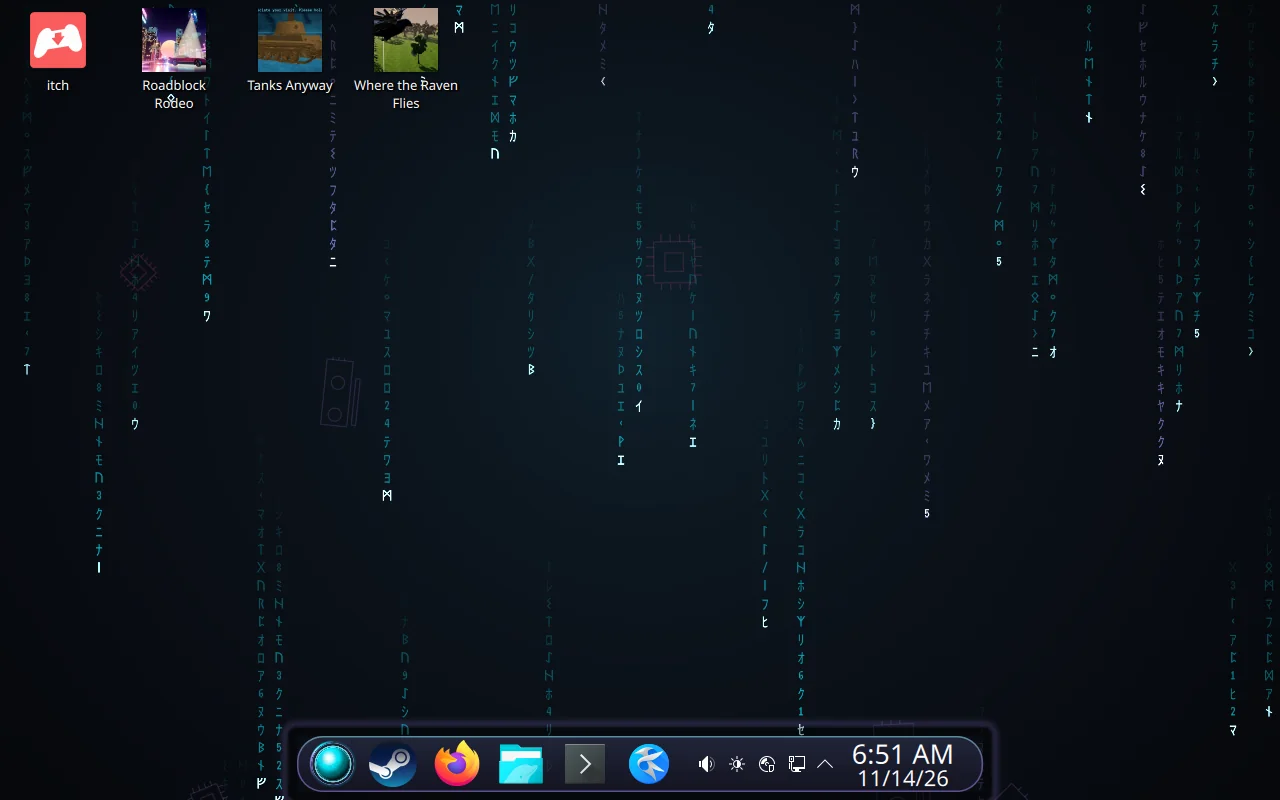
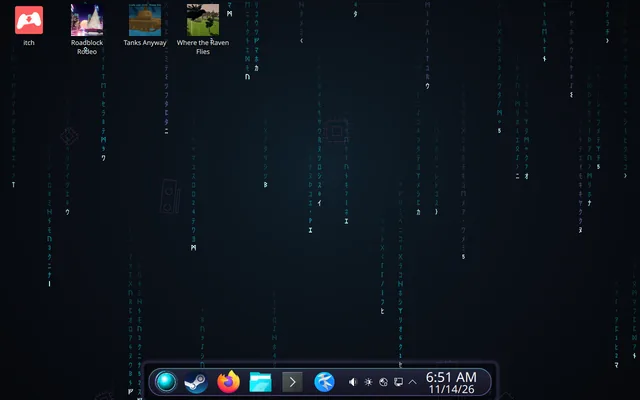
KDE Plasma 6 dressed in the NoClipOS look: the floating island taskbar with Duka's orb as its medallion, code rain behind your windows, and a full dev workstation underneath. Switch between the two from either side.
NoClip Setup
Five screens on first login. Nothing is installed until you press start, and you can keep using the computer while it runs.
Preloaded
Raven Iron Games' three titles are on the desktop from the first boot, with the itch.io app beside them. Each one is free to try; buying it on itch.io unlocks the full game.
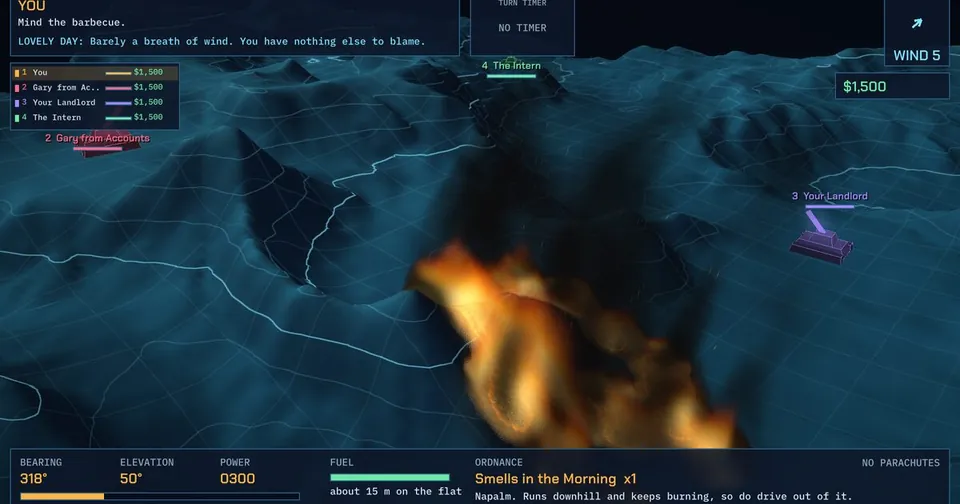 Artillery comedyTanks AnywayTurn-based 3D tank artillery, up to eight tanks, and relentless politeness while shelling your guests.
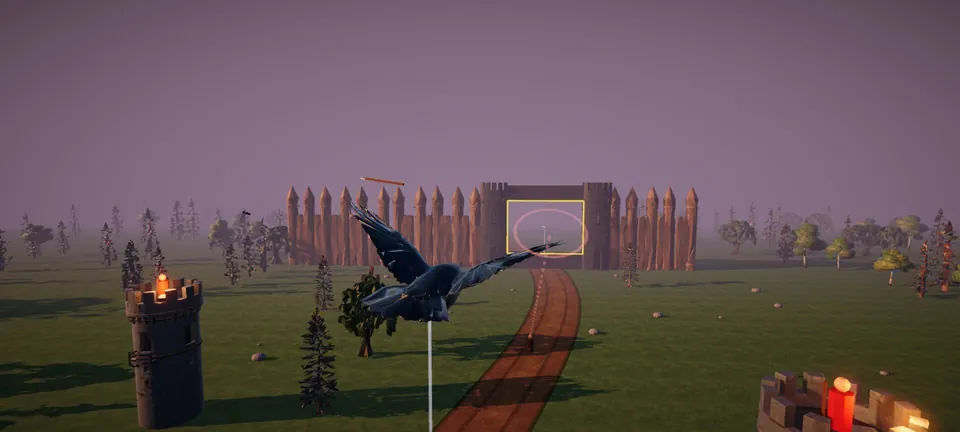 Courier flightWhere the Raven FliesA medieval courier flight adventure: fly a raven with royal dispatches past archers, gates, palisades and trebuchets.
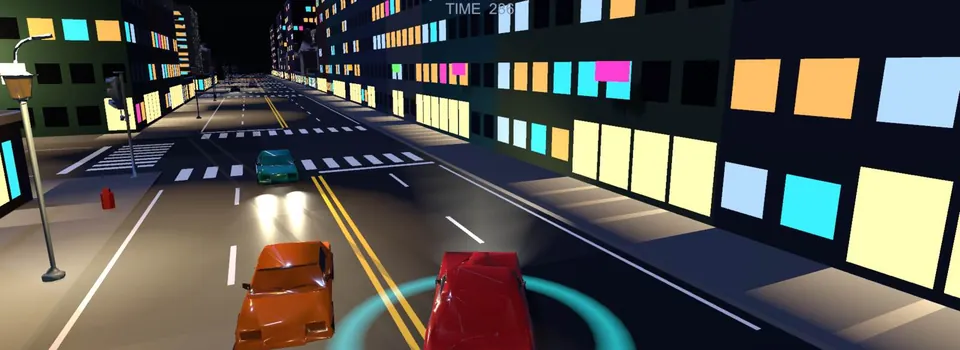 Neon-noir chaseRoadblock RodeoThe chase is the game. Steal a car and outrun the police through an 80s low-poly night city.
Under the hood
Arch Linux with the linux-zen kernel, PipeWire, and Steam with Proton from the first boot.
Btrfs with snapper takes a snapshot before every update, and Limine can boot any of them. A bad update is one menu pick away from undone.
The open NVIDIA driver and PRIME for laptops with two GPUs, set up by the installer. AMD and Intel work out of the box.
Pair two NoClipOS machines with a six-digit code and send what you are doing across, even over a bare cable with no router.
The island, the code rain and every colour follow one theme file. Change it by hand, pick a preset, or tell Duka to make it red.
NoClipOS takes the whole disk and owns it. One OS, one boot sequence, like a console.
The installer
Seven short pages, the same night-and-neon look as the OS, and a slideshow while it copies. It sets up the Btrfs layout, snapshots and the boot menu for you.
Get NoClipOS
NoClipOS is an M1 prototype. It has passed four rounds of install testing in virtual machines, and the first run on real hardware is underway. The ISO goes public once it has proven itself there.